





Payment Info
Online Payment Options
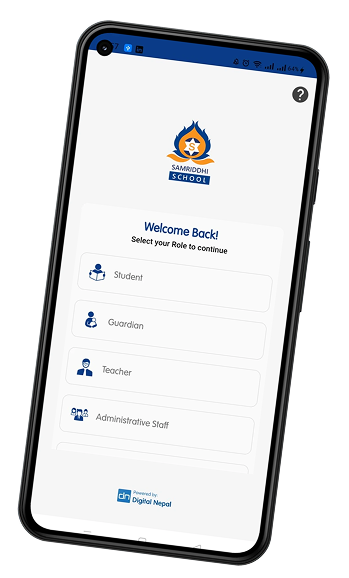
Samriddhi School App
- Login using student credentials
- Go to Billing Section
- Select Credit Bills
- Click on Pay Online
- Adjust amount to pay (Rs.) and add remarks
- Select Pay via eSewa
- Click Pay with eSewa
- Login to your eSewa account and confirm payment
 Download The App
Through Esewa
- Login to esewa
- Go to Utility and Payments
- Tap on Education Fee
- Click on School Fee
- Tap Samriddhi School
- Fill the details and Proceed
Download The App

Through Mobile Banking / Online Banking / Connect IPS
- Login
- Explore the services for school fee payment
- Proceed for Payment


Parent's Involvement
School Bank Account Details
1
Pay on School Bank
Bank Name: Siddhartha Bank Limited
Branch: Kuleshwor, Kathmandu
Account Name: Samriddhi School Private Limited School Wing
Account Number: 55509735113
2
Payment Confirmation (School)
Send payment receipt via WhatsApp / Viber to:
3
Contact Information
If you have any queries please contact here

Scan The QR